Compare cert salaries and plan your next career move
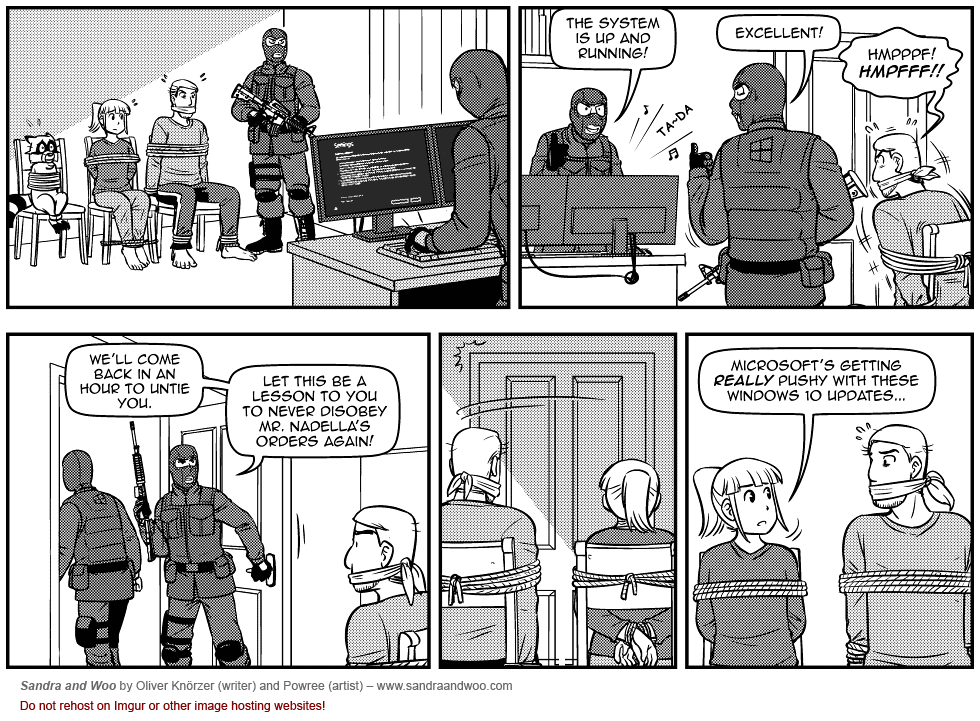
Iristheangel wrote: » Pretty much happened to me last night. I was in the middle of a blog post, got the annoying pop-up which was lagging so I clicked X, got up to grab some soda and by the time I got back, I was mid upgrade. Sigh. I guess I'll be spending my day off reformatting and reinstalling all my stuff
tpatt100 wrote: » This reminds me of the days of "I will hold on to Windows XP until they pull it from my cold dead hands". Then Windows 7 became the Windows XP. I like Windows 10 but I think I like it because I didn't care for Windows 8 and then I got used to it and they fixed some of the UI stuff.
thomas_ wrote: » Three years from now I don't want Microsoft to decide that my computer is end of life and that I need to pay for a new version of Windows 10 or have my device stop working with no way to revert back to 8.1 because my 8.1 license was "consumed" by my Windos 10 "upgrade". Eventually I will buy a Windows 10 license, but I want to keep my 8.1 license, so I can have it in a virtual machine if I want. I'm very leery of a company that forces updates in such a heavy-handed manner. It reminds me of walking through the mall and having the annoying, aggressive T-mobile kiosk salespeople trying to sell me a phone on the sole basis that on the surface their newer model of phone is better than my older version of phone. Your phone might be newer, but I like what I have and I'm not going to upgrade now because it's convenient for the salesperson. I'm fine with Windows 8.1 and I'm not going to upgrade right now just because it's convenient for Microsoft's stock price in their pursuit of 1 billion installs or whatever they are trying to accomplish.
apr911 wrote: » Here's just some of the features I find highly useful on my insider preview build 1. Multi-virtual desktops 2. Improved multi-monitor support with multi-monitor taskbars 3. Powershell improvements (which admittedly are available on older windows versions if you download a separate update) 4. Bash on Windows 5. Windows 10 Containers with Docker 6. Native screen video recorder 7. Native onedrive integration (saves me from having to send email attachments to myself) 8. Quadrant windows snapping (improved from full/half screen in windows 7/ 9. command prompt improvements (resizeable, standard keyboard shortcuts) 10. A ton of new keyboard shortcuts That's just a small list.
I only have limited control. Once the updates are delivered downstream to the desktop that's it the box is rebooting in short order whether I want it to or not.
Iristheangel wrote: » MS has a really bad rap for some of the stuff it pulled back in the 90's and early 2000's. I don't think they're quite the evil empire/monopoly they used to be anymore but it's hard to shake a bad reputation after it's there. That being said, this was a bad move on their part that puts a bad taste in your mouth. Definitely shades of "Old Microsoft" coming through. I'll say that my computers with Windows 10 natively installed work GREAT but the upgraded machines are nightmares. I ended up having to format my Sager laptop after it got really buggy with Windows 10 and once it was a fresh install of Windows 10, it was working great. The desktop I started this original thread about had to be reformatted and downgraded to Windows 7 when I started experiencing major compatibility issues. My Surface Pro 4 hasn't had any issues with Windows 10 and works great. The only thing I keep hearing is that upgrading causes a lot of problems while a fresh install of Windows 10 works great. Food for thought if you'd like to upgrade at some point - it might be worth your time to completely format and install 10.
Iristheangel wrote: » The only thing I keep hearing is that upgrading causes a lot of problems while a fresh install of ... works great.
dmarcisco wrote: » I don't like how they are so persistent in this "free" upgrade gets me really thinking the big why about it.
Compare salaries for top cybersecurity certifications. Free download for TechExams community.